






Best Android Tips & Tricks to Make Your Phone Faster (2026 Guide)
Discover powerful Android tips and tricks to improve performance, save battery, free storage, and unlock hidden features on your smartphone.
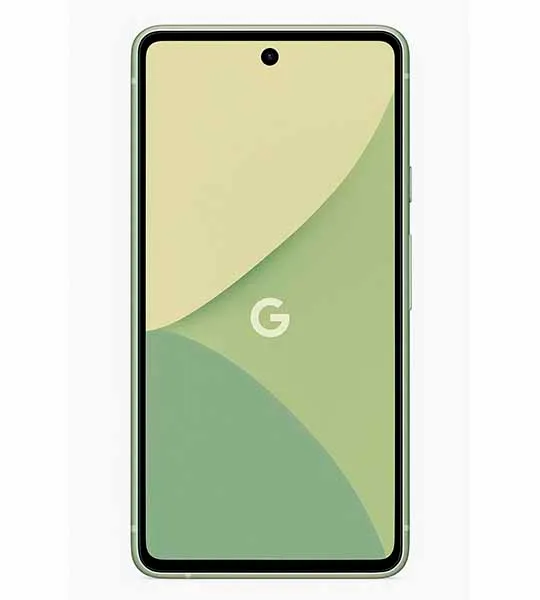
Android smartphones are packed with smart features, but many users don’t take full advantage of them. Whether you’re using a budget Android phone or a flagship device, these Android tips and tricks will help you boost speed, improve battery life, and customize your phone like a pro.
🚀 Speed Up Your Android Phone
If your Android phone feels slow or laggy, try these proven performance tips:
- Disable unnecessary background apps: Too many apps running in the background can slow down your phone.
- Reduce animations: Enable Developer Options and lower animation scale for a smoother experience.
- Keep apps updated: App updates often include performance improvements and bug fixes.
🔋 Save Battery Life on Android
Battery draining too fast? Follow these Android battery-saving tricks:
- Enable Dark Mode: Saves battery on AMOLED displays.
- Limit background battery usage: Restrict apps that consume excessive power.
- Turn off unused features: Disable Bluetooth, GPS, and Wi-Fi when not needed.
🧹 Free Up Storage Space
Running out of storage is a common Android problem. Fix it easily:
- Clear app cache: Cached data builds up over time and eats storage.
- Remove unused apps: Uninstall apps you rarely use.
- Use cloud storage: Move photos and videos to Google Photos or Drive.
🎨 Customize Android Like a Pro
Android is known for customization. Here’s how to make your phone truly yours:
- Use a custom launcher: Change icons, gestures, and layouts.
- Widgets: Add useful widgets for weather, calendar, or notes.
- Always-on display settings: Customize notifications and clock style.
🔒 Improve Privacy & Security
Protect your data with these essential Android security tips:
- Review app permissions: Only allow what’s necessary.
- Enable Find My Device: Helps locate or erase your phone if lost.
- Keep Android updated: Security patches are critical.
✅ Final Thoughts
These Android tips and tricks can dramatically improve your smartphone experience without installing risky apps or rooting your device. Whether you want better speed, longer battery life, or smarter customization, mastering these basics will make your Android phone feel brand new.
👉 Looking for new phones or accessories? Check out our latest guides on mobile deals and best Android smartphones.